Case Studies
ELUCID
CONCEPT DESIGN + AUGMENTED REALITY
Elucid is a booking tracking mobile application with interactive AR for users to annotate their books.
TOOLS:



ROLE(S):
Concept, Design, Development
Three Months, Feb-April 2024
DURATION:
View final
prototype video
OVERVIEW
Elucid, a mobile application designed to enhance the book tracking and reading experience through innovative features such as…
A digital bookshelf
Comprehensive book tracking
Augmented reality-based annotation capabilities
Inspired by existing platforms, the objective aims to differentiate itself by leveraging technology to provide users with a more immersive and personalized reading experience.
PROBLEM
Elucid was made with avid readers in mind to address the most common issues that arise with a growing list of books. These are the features I decided to focus on to set the user experience apart from other similar applications…
Traditional methods often involve maintaining very large lists or relying on memory, resulting in disorganization and frustration
Annotate books for personal reflection or academic study can be hindered by the reluctance to damage physical copies
Recalling specific details about each book while preserving the integrity of physical copies
RESULTS
Leverages a simple interface with AR integration to enhance the reading experience
Encourage engagement with existing books while easily discovering more books aligned with the users preferences
Seamless integration into users' reading routines
Successfully building an MVP onto my personal phone for the first time through Unity and XCode
DESIGN PROCESS
PRECEDENTS
When beginning this project I knew I wanted to use my lifelong love of books to see what I could create. As an avid Goodreads user I conducted research into what other options exist, and what features they include.
GOODREADS
Rate and review books you read
Share notes and progress updates as you read
Keep a want-to-read list

FABLE
Track your reading progress
Build a reading habit with streaks and reminders
Rate and review
E-book reader

TBR
Rate and review books you read
Track your reading progress
Bookshelf styled reading goals

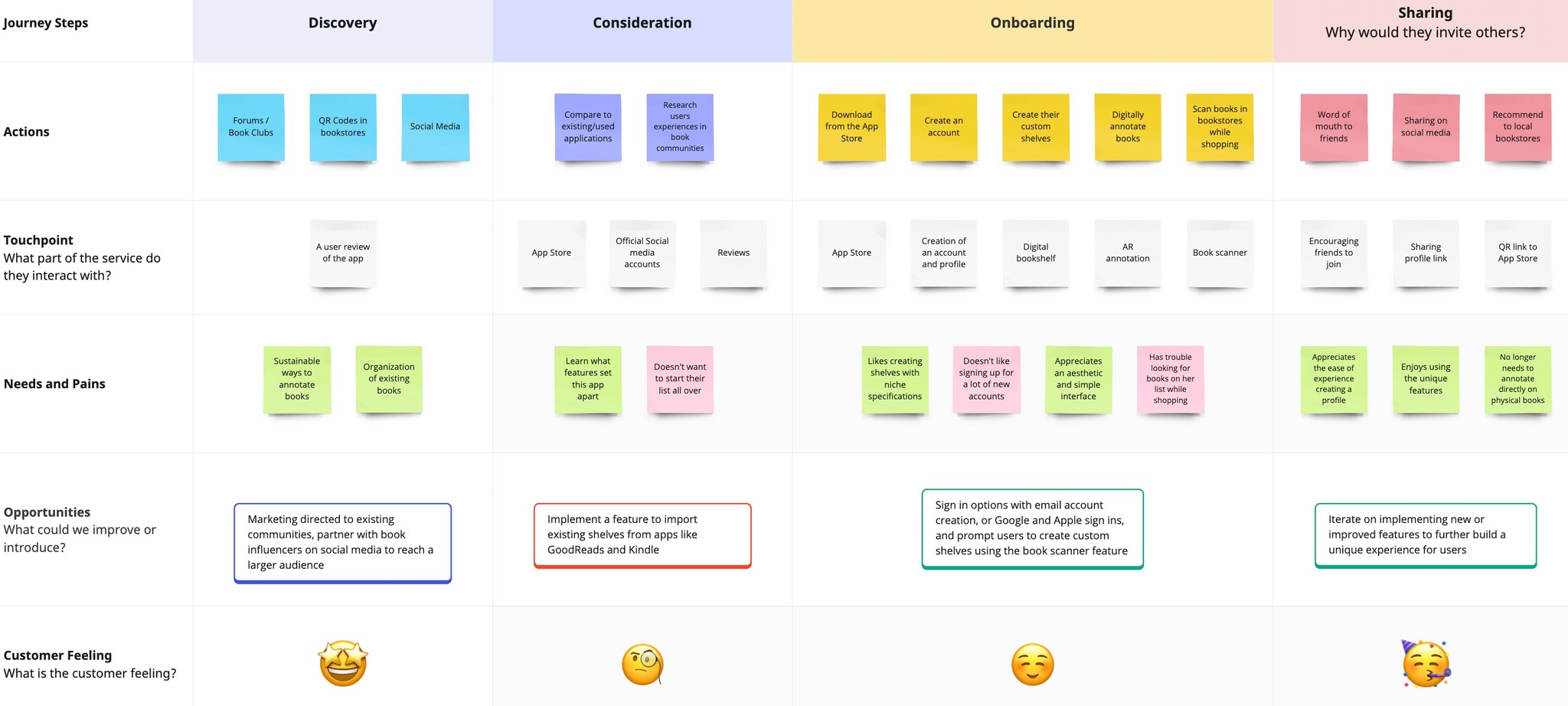
Journey Map
To begin the design process I began with a journey map to express the users journey, and discover the potential needs that I would want to implement into the features of the app.
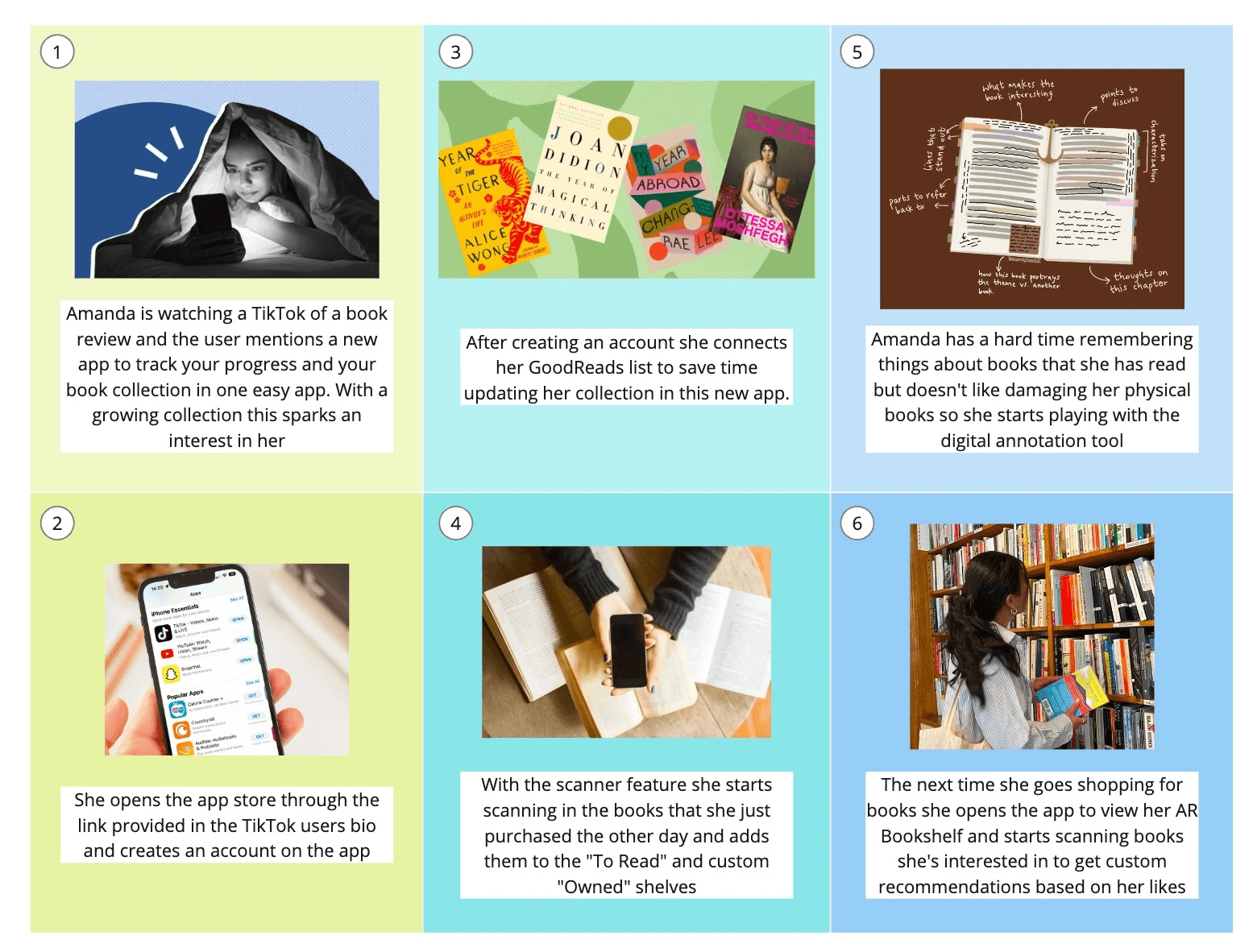
STORYBOARD
A storyboard was created to further visualize the persona, user journey and features of the application.
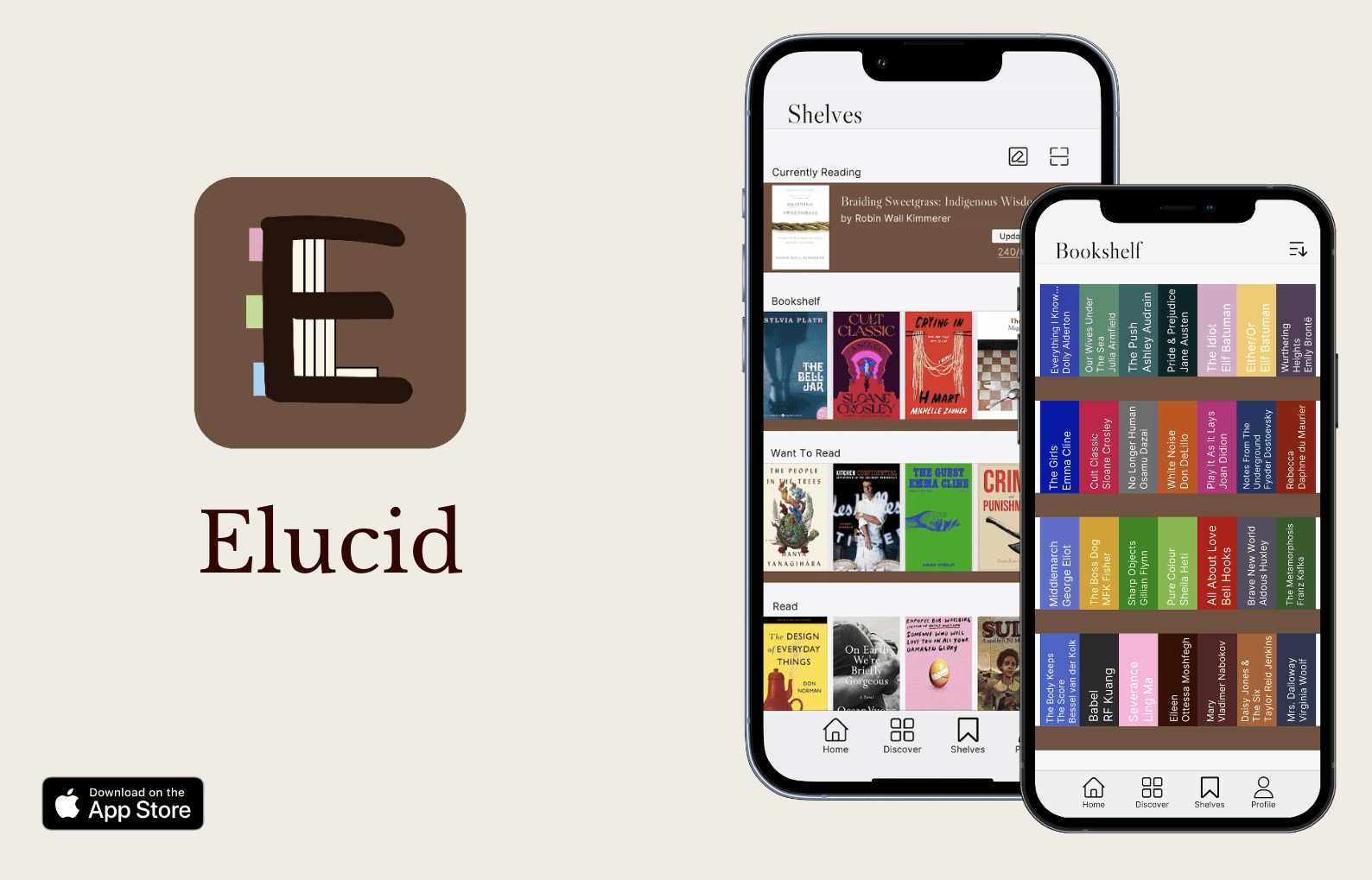
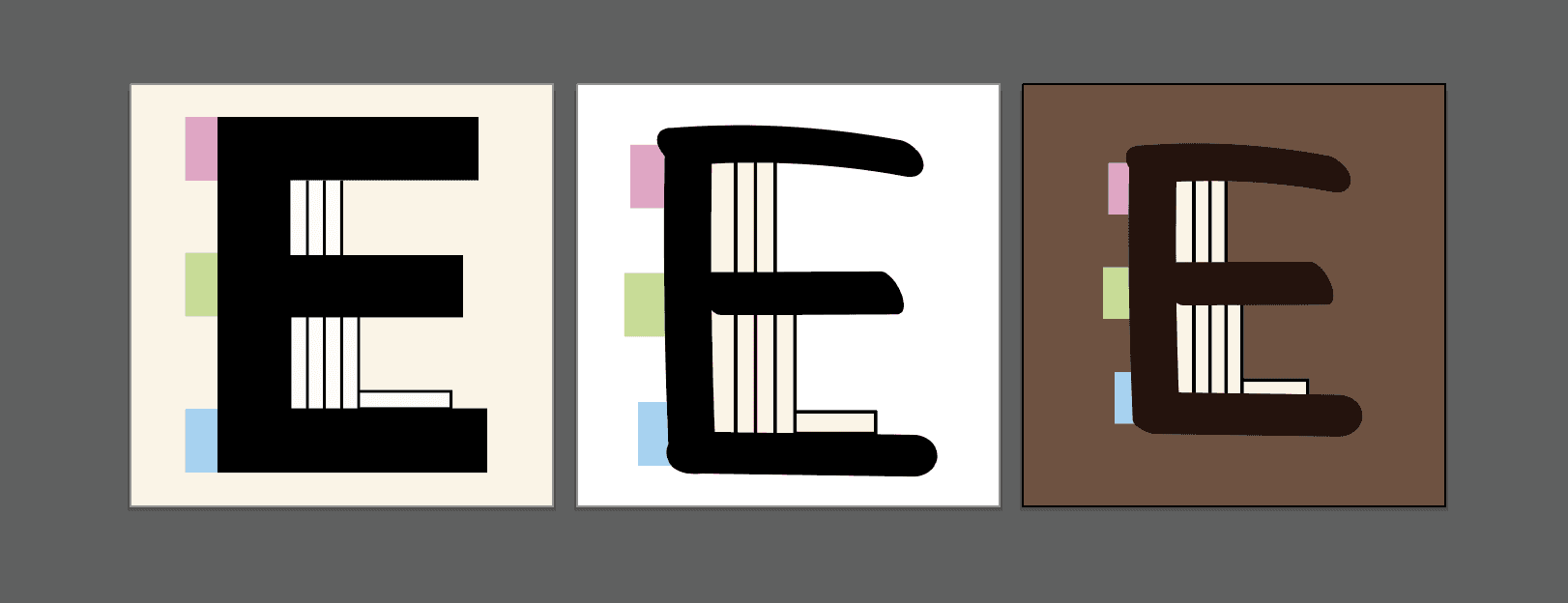
Logo iterations
When creating the logo, I was inspired by using the "E" in "Elucid" to create a bookshelf that looks like the side view of the one in my room. The first version was too heavy, and didn't size down well. I freehand drew the "E" to give it a natural imperfect feel like being written in a marker. Since the bookshelf and annotations are the unique features of the app, I added book tabs for more colour and visual interest.
BRAND GUIDE
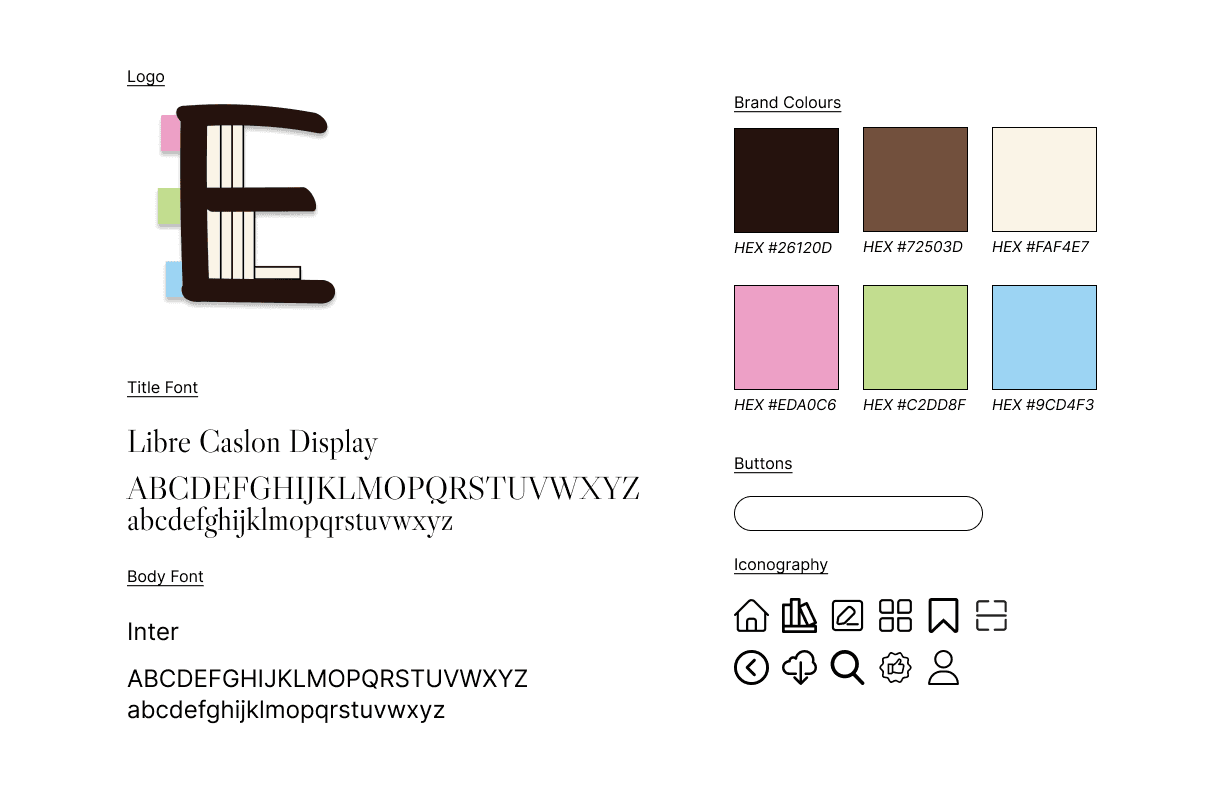
A serif font was chosen for large titles inspired by classic literature prints, while Inter is used as a clean and legible font for larger bodies of text
Brand colours are neutral browns resembling vintage hardcover books
Tab colours are inspired by the pastel colours of post-it notes
Rounded buttons and iconography were chosen to pull inspiration from the logo font to have an approachable feel
A brand guide was created to communicate the UI elements used to create the app
WIREFRAMING
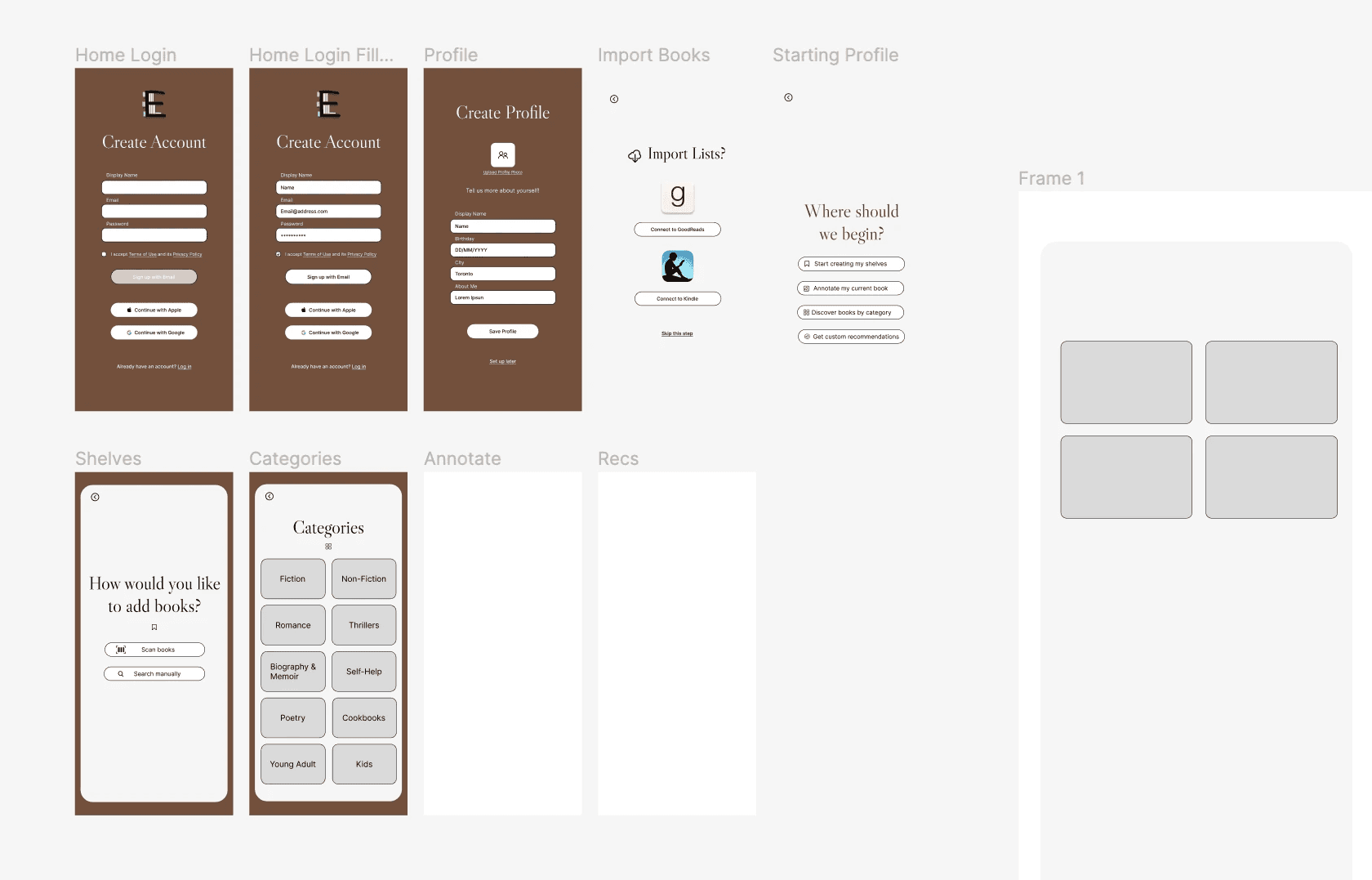
Figma was used for the preliminary wireframing and designing of landing pages. Assets such as buttons were created and resized to assist with bringing them into Unity to customize the existing Unity UI assets.
unity Breakdown
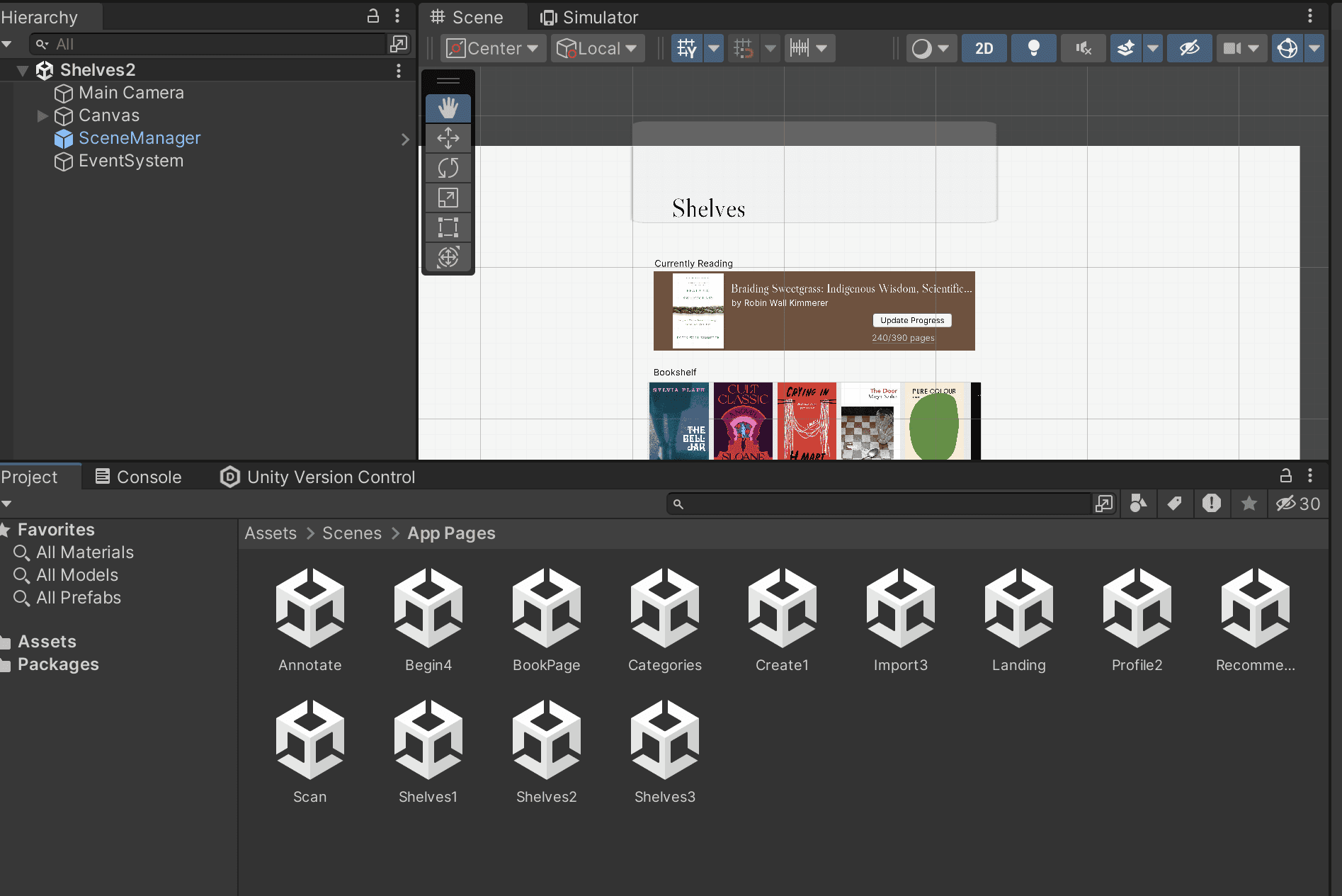
I began with creating scenes that were added to the build settings to reference in a C# scene navigation script to make the interface interactive.
Landing pages were then exported from Figma into the canvas and made interactive with UI assets such as buttons, input fields, and scrolls directly in Unity.
The AR annotation portion was created with an AR session/XR origin to use your phone camera with a screen space canvas.
Scripting to create interactive events
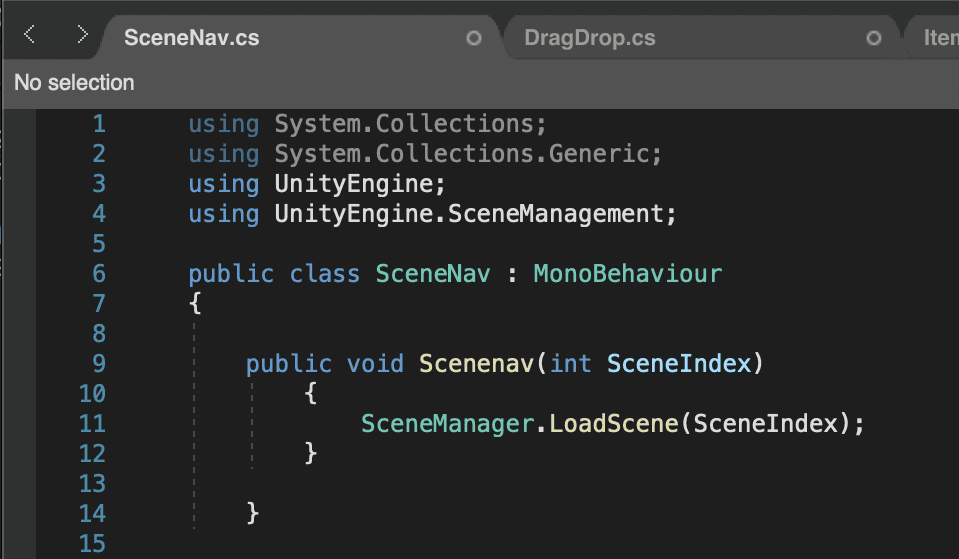
Scene Navigation
On Click Events with a SceneManager script guiding users through the UI
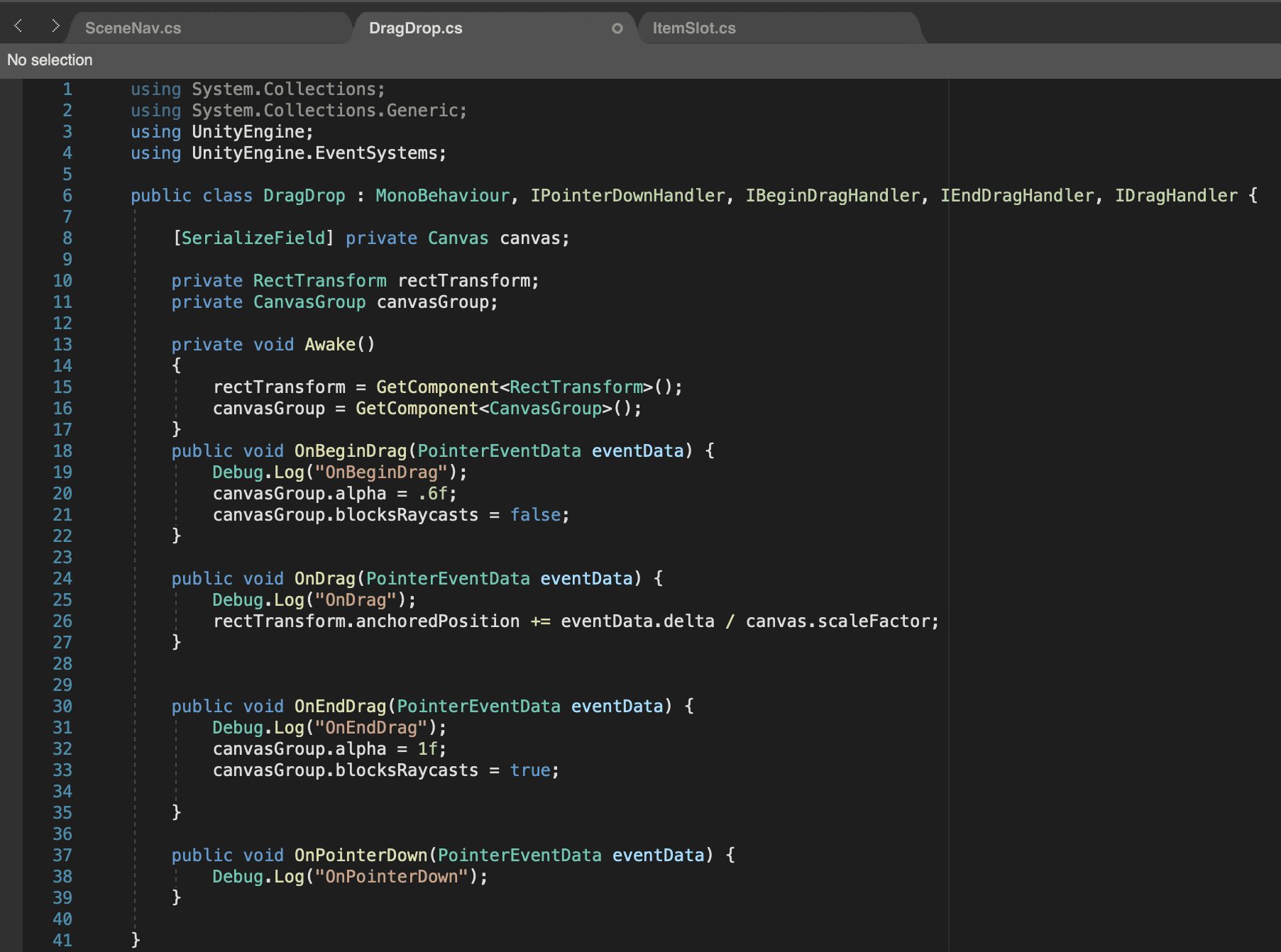
Annotation
DragDrop script using PointerEventData to drag tabs around Canvas
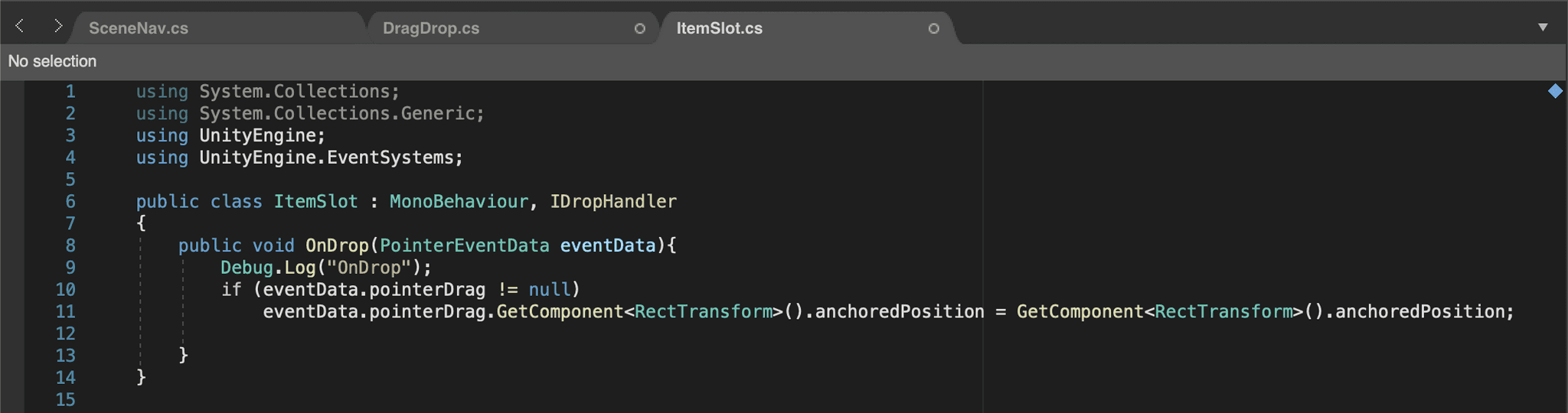
ItemSlot script to anchor tabs back to their placement when removed from Canvas
The Unity project was built for iOS and ran in XCode multiple times to make iterations, and to verify the UI and AR elements were correctly responsive in the application running on my phone

LEARNING & TAKEAWAYS
This project was my first time using Unity, as well as using C# to program. Though similar to programs I’ve previously used such as Maya or SparkAR it was a process, but with my interest in UX/UI I was excited to be able to have an MVP on my own phone that I created myself.
CHALLENGES:
The main issue I ran into was finding resources to create exactly what I wanted with the augmented reality elements for my application. This was a cause of unclear documentation, outdated/phased out tutorials, and building in a different Unity version than tutorials I found.
TAKEAWAYS:
Through trial and error and countless attempts, I was unsuccessful in creating an effective scanner with the Image Reference Library to scan book covers or using the Line Renderer to have the ability to write directly on your screen to annotate books. In the future these are iterations that I would love to build on so the application feels well rounded in its unique features.