
MagiGarden AR
An interactive mobile application that allows learners to explore the world of plant care.
Role(s)
AR Developer
Team
Yinglin Chen - 3D Modeller
Queenly Cheung - UI Designer
Duration
3 weeks
Nov. 2023
Tools
Figma
Womp
Adobe Photoshop
Meta SparkAR

AR brings materials to life in an engaging and interactive form which can be used to enhance learning experiences, especially for children who are naturally curious. It can help visualize abstract or complex concepts to make it easier for them to understand and remember information.
The objective of this project was to create an augmented reality application to help children explore and discover the fundamentals of plant care.
PROBLEM
Users typically struggle with creating the proper balance for a plants needs. Our user journey aids in learning the three basics through multiple events, assets, and sound effects where the real plant will thrive in your home.

Cactus
Needs lots of 🌞 and little 💧
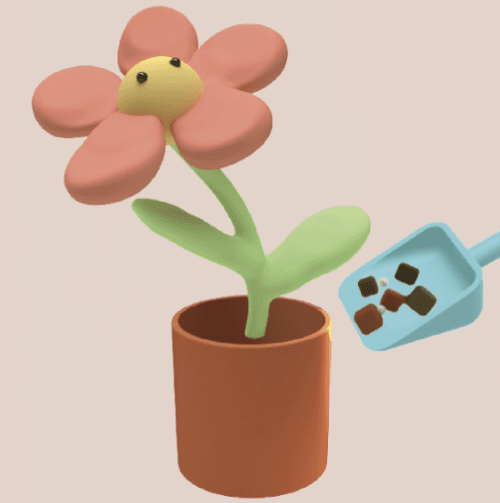
Flower
Needs a balance of 🌞 and 💧

Mushroom
Needs lots of 💧 and little 🌞
RESULTS
Successfully creating a SparkAR MVP through iterations solving for size constraints.
A clear, fun and approachable experience to learn the basics of plant care for a variety of specific needs.
An opportunity to grow, collect, and visually bring the plant into your space before purchasing the real thing.
STORYBOARD
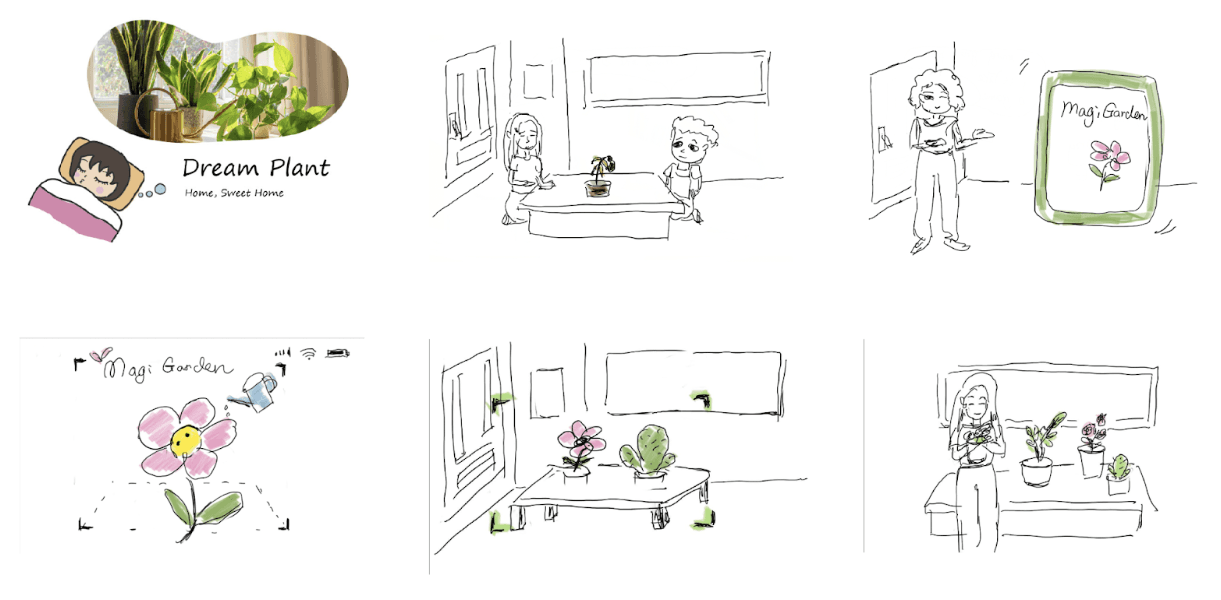
As a team brainstorming the concept we created a storyboard that visualizes a child wanting their dream plant. The plant keeps dying causing disappointment, and through MagiGarden they grow multiple thriving plants.
BRAND GUIDE
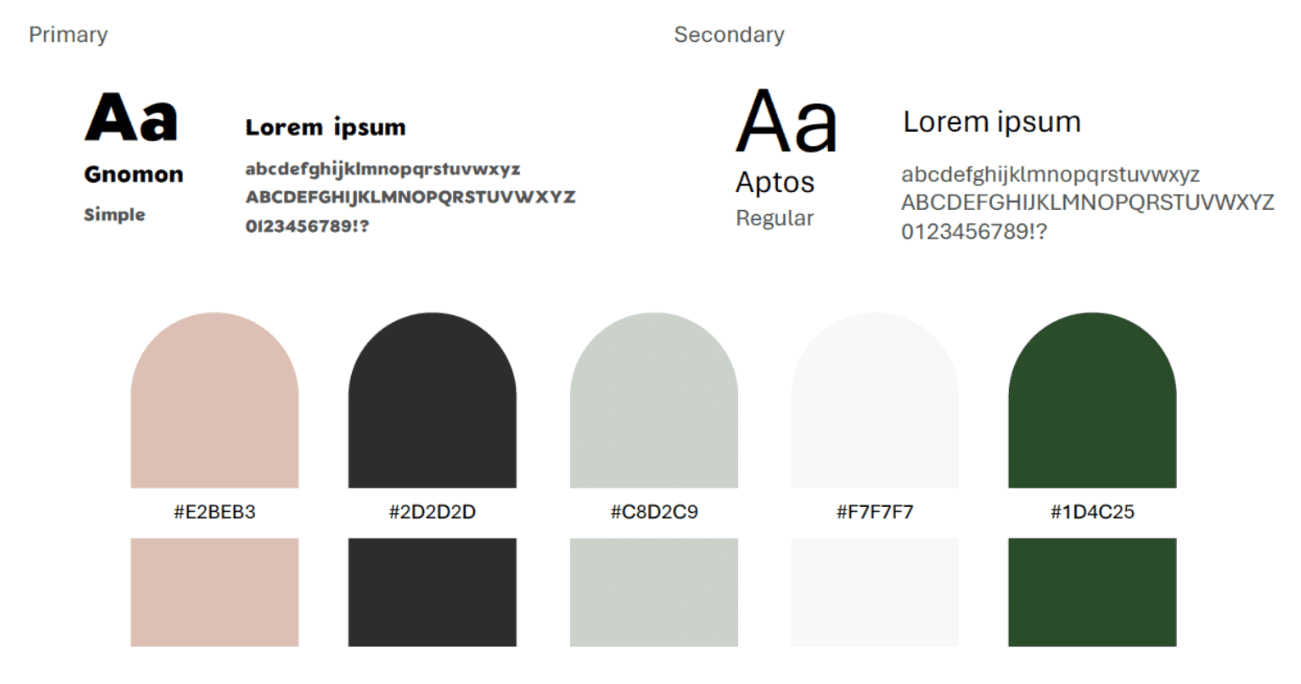
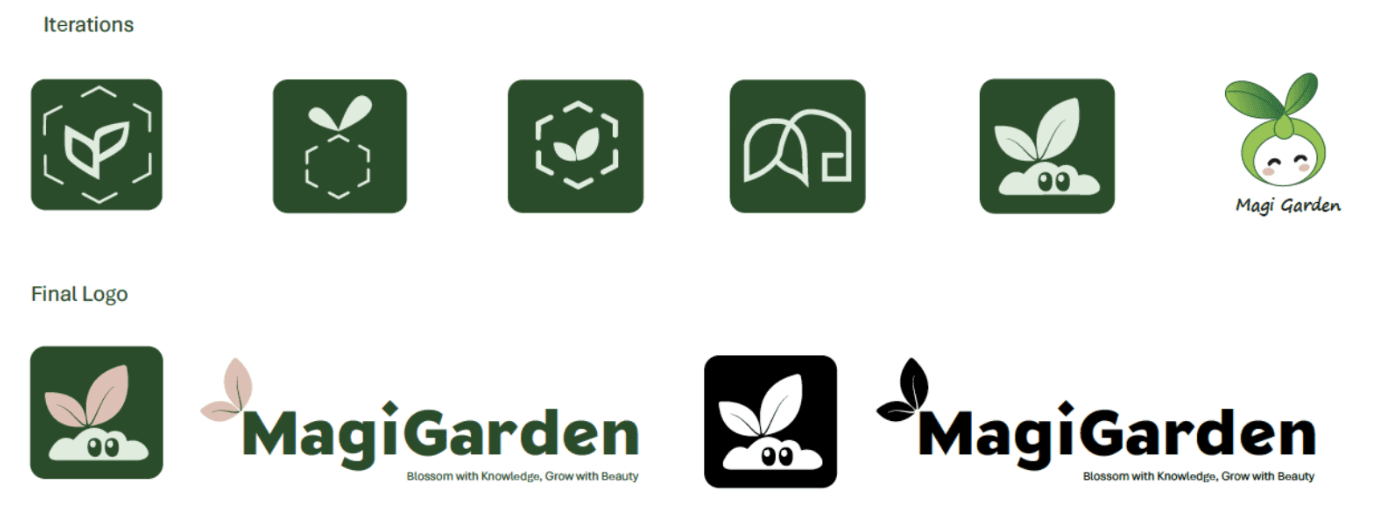
"Gnomon" was chosen as our primary font and was used in the logo creation to pull inspiration of old school gaming UI while maintaining a clean look.
Our colour palette is soft and approachable using earthy complimentary tones. It was used as the main colours for the gamification of our chosen plants.
LOGO DESIGN
We went through many logo iterations that developed as the 3D models were created. The colours from both the plant and augmented reality aspects of the app were brought into the logo.
WIREFRAMING
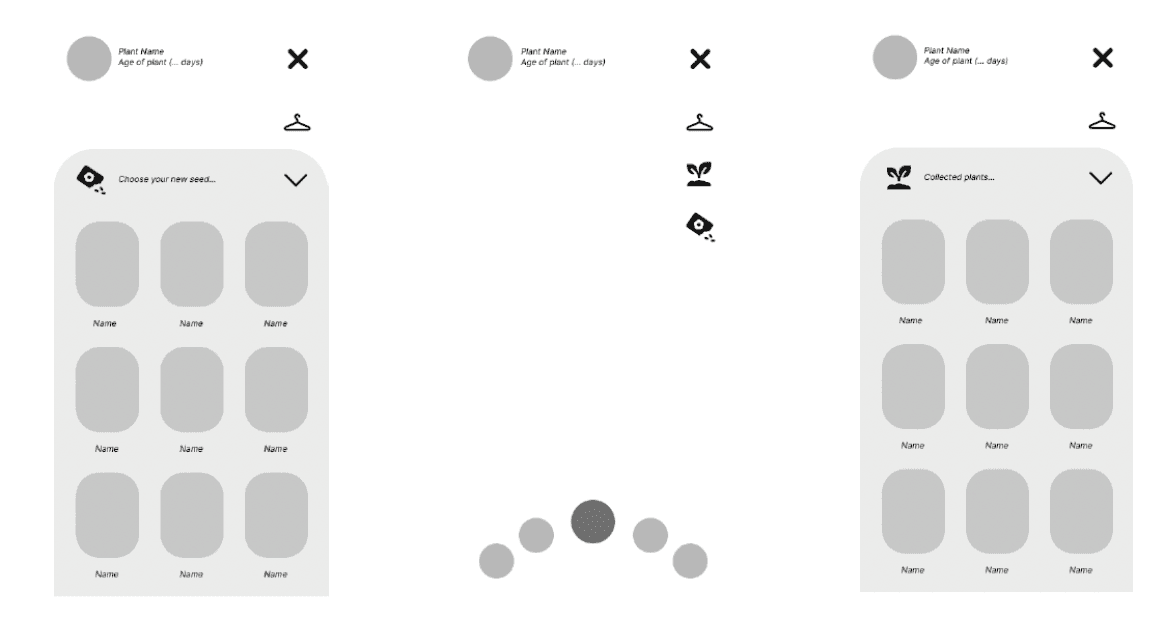
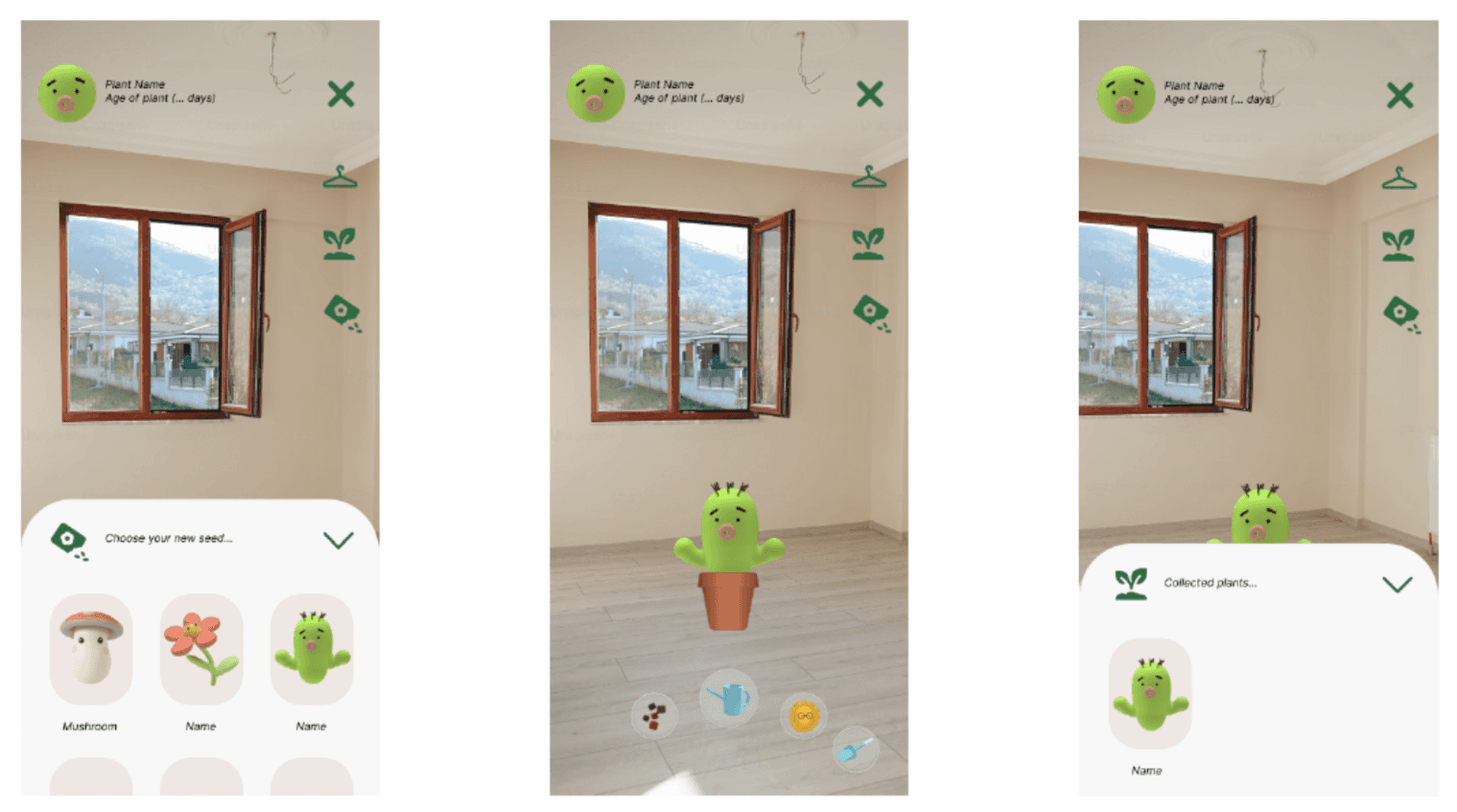
Our team then developed low-fidelity wireframes to visualize the apps core features and UI elements that would be simple and easy for children to use. We created high-fidelity wireframes to further visualize the assets and assist with bringing them into SparkAR.
Low Fidelity
High Fidelity
SPARK AR BREAKDOWN
My main role was to bring the assets created by my teammates into SparkAR to create these central AR elements: World Space, Planes, 2&3D Objects and Assets, Interactions, Animations.
Interactive events were created using the Patch Editor
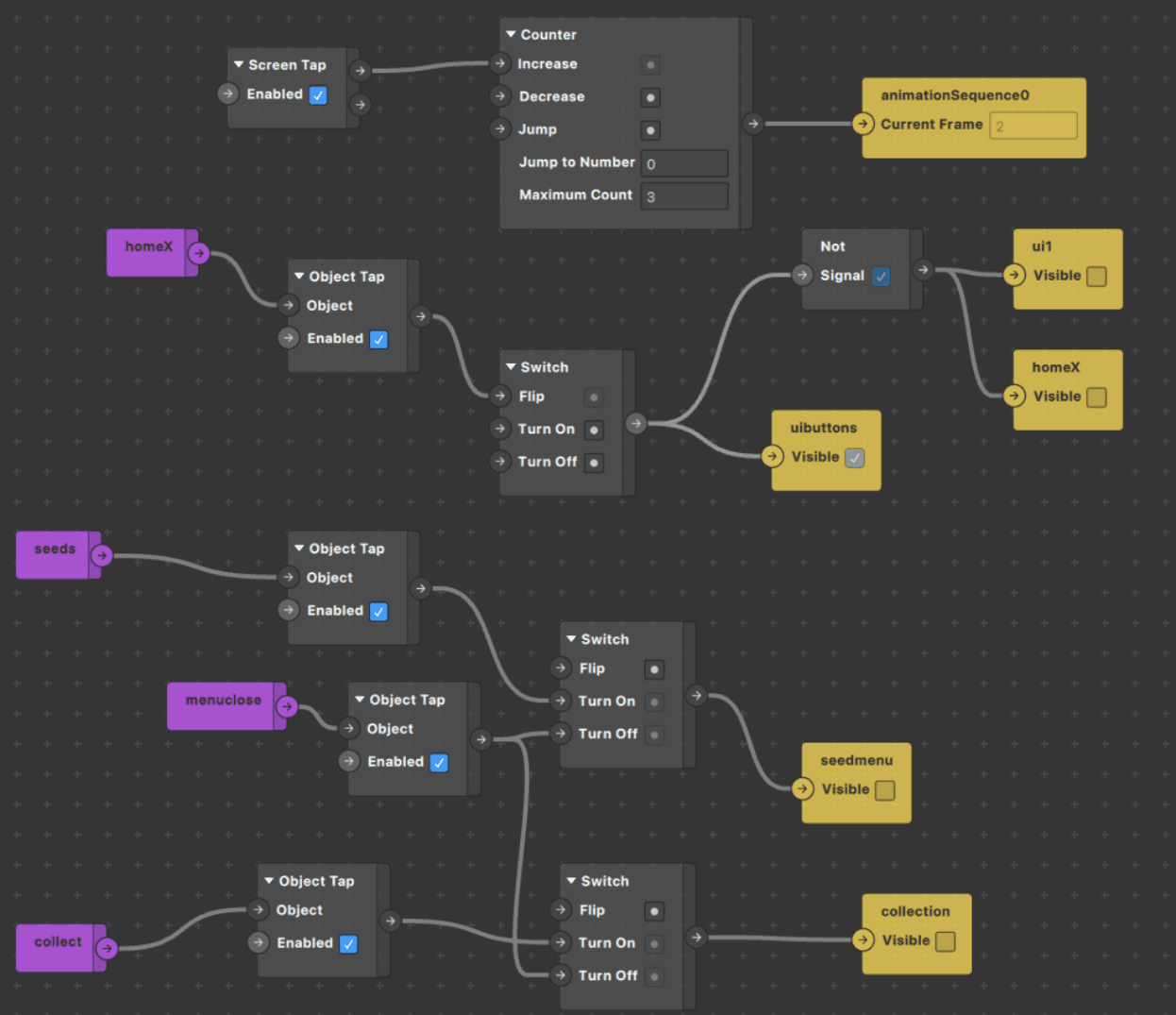
SCREEN & OBJECT TAP
Controlling particle system for care instructions
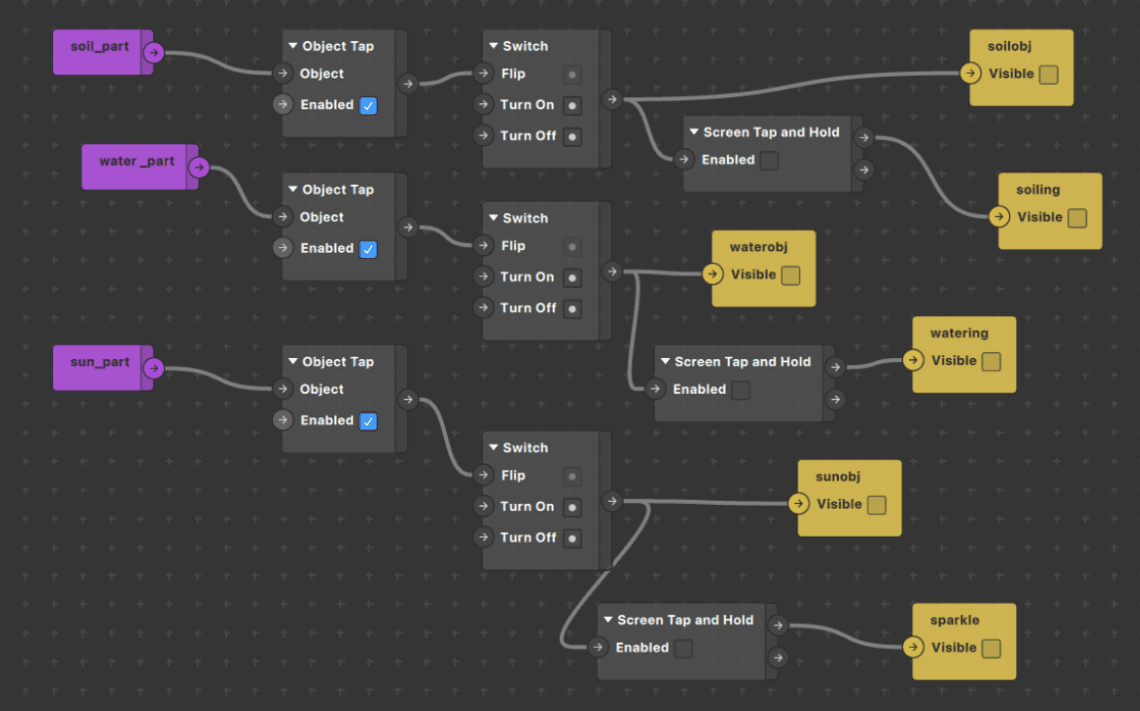
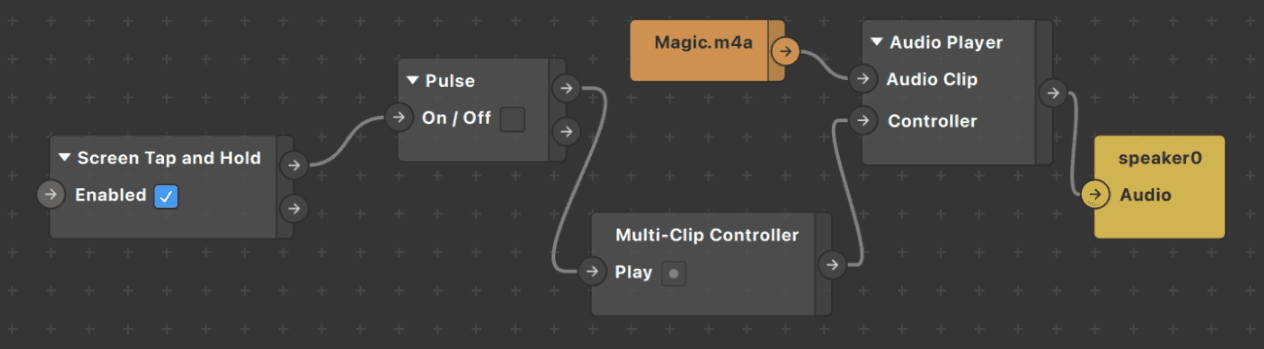
SCREEN TAP & HOLD
Play a sound effect for particle system care

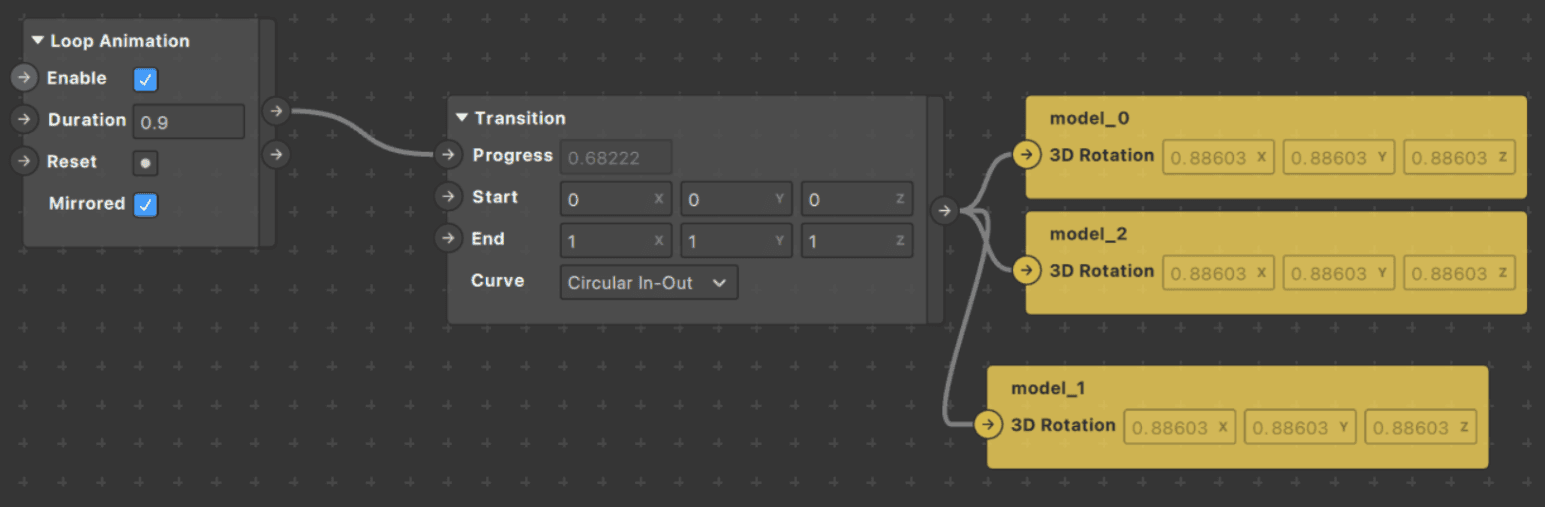
LOOP ANIMATION
Movement in 3D object for visual interest
REFLECTION